
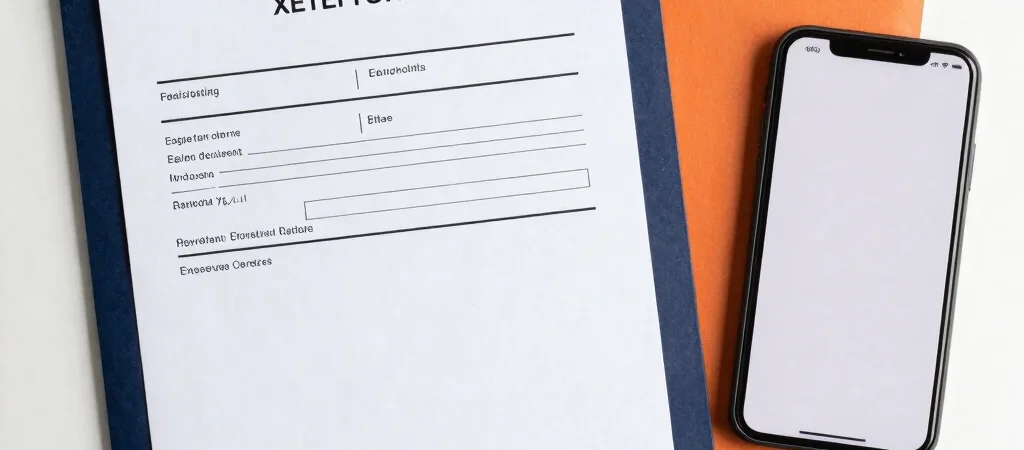
The exam date is approaching, and a search for an admit card brings up several pages with similar titles. Start from the recruiting authority named in your notification, then follow its admit card announcement or candidate login link. That extra check helps you avoid entering application details on an unrelated page.
Confirm The Recruitment Details
Before downloading, match the examination or post name and the notification number with your application. Authorities may publish separate admit cards for different stages or recruitment notices, so a familiar-looking title is not enough. If the official notice says the admit card is not yet available, wait for an update from that authority rather than trusting an unsourced release claim.
Download And Check The Details
Use the candidate login route specified in the official announcement and enter only the details requested there. Once the file opens, check your name, roll or registration number, exam date, reporting time, and venue against the notice. If something is missing or incorrect, use the contact or correction instructions issued by the recruiting authority.
Keep A Usable Copy Ready
Save the downloaded admit card somewhere you can access offline and keep a backup copy. Read the instructions printed on it for permitted identification and reporting requirements; do not rely on a general checklist when the card gives specific directions. If the authority updates the venue or schedule, check its official announcement again before travelling.
Treat Links With Care
A genuine admit card page should be traceable to the authority named in the recruitment notice. Avoid links that ask for unrelated payment or sensitive information not called for in the official instructions. bharat is an independent information portal, not a government website; use our updates as a guide to the official source and confirm release details there.